




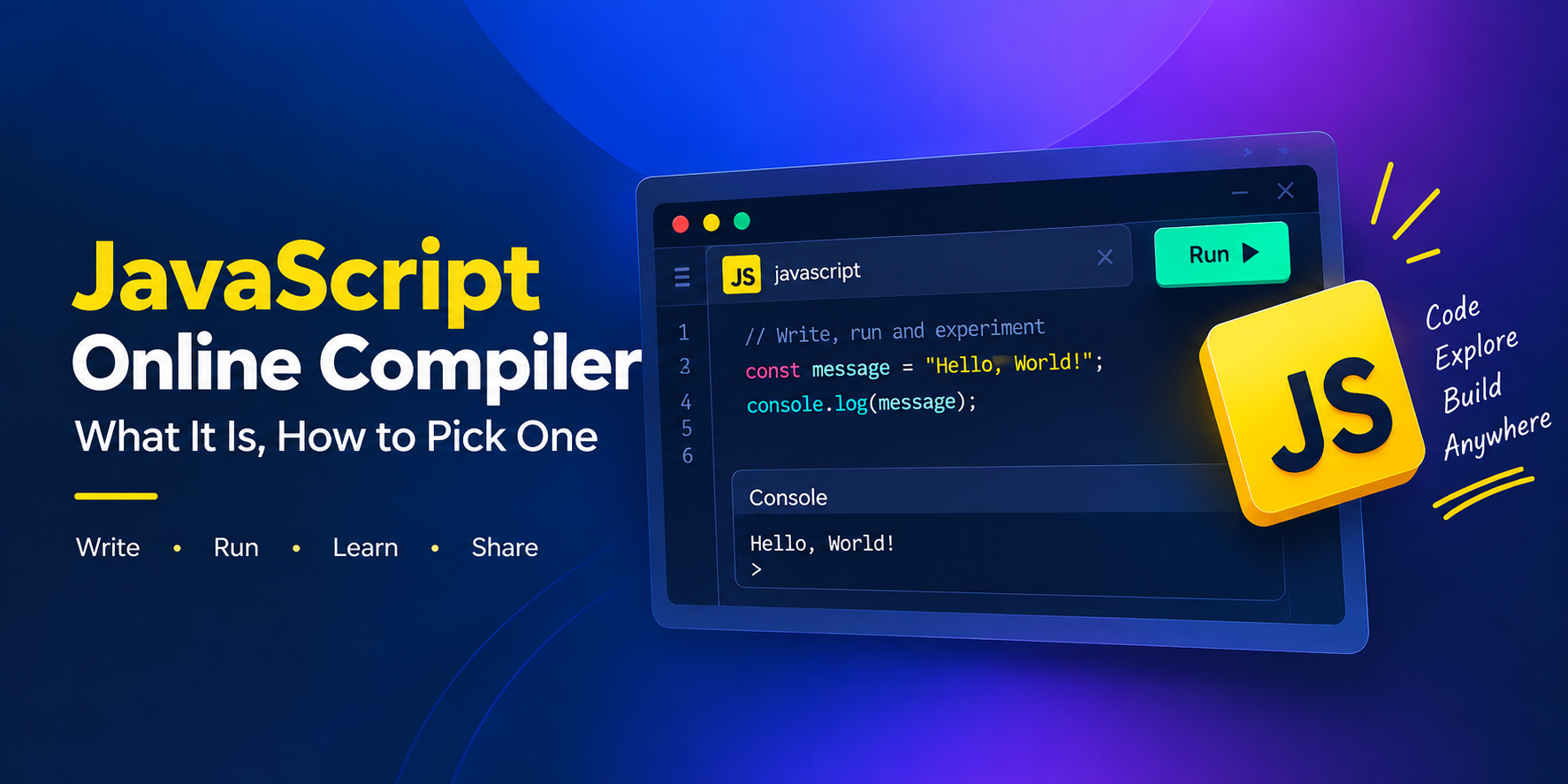
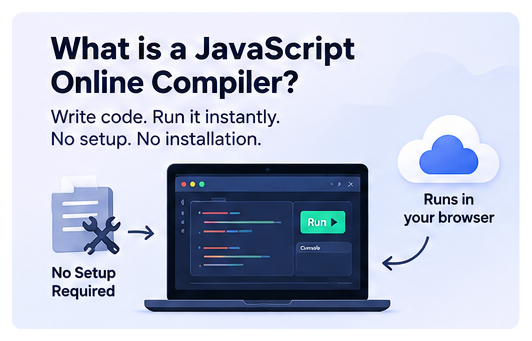
Installing a local environment to test twenty lines of code has always felt like overkill, and most developers eventually stop bothering. A JavaScript online compiler is the shortcut: open a browser tab, write the code, run it, see what happens. No package manager to configure, nothing to uninstall later, nothing to explain to a teammate before they can look at your bug.
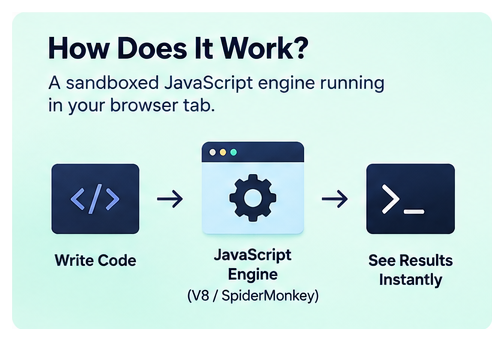
The name is a bit misleading, worth clearing up early. JavaScript isn’t compiled the way C or Java is. It’s parsed and executed on the fly by an engine such as V8 or SpiderMonkey. What a JavaScript online compiler actually gives you is a sandboxed copy of that engine running inside your browser tab, wrapped in an editor and a console. The label has stuck regardless, and for everyday use the distinction doesn’t change how the tool feels to work with. It does explain a few of the limits covered further down.
What Actually Matters When Choosing One
Not every tool branded as a JavaScript online compiler is built to the same standard. A handful of things separate the ones worth bookmarking from the ones you’ll close after a minute:
- Code runs the moment you hit Run, without a visible build step to wait through.
- Modern syntax is supported out of the box: ES2020+, async/await, and often TypeScript or JSX without extra setup.
- npm packages can be imported directly, rather than pasted in by hand.
- The console shows a readable error and stack trace, not just a blank output panel.
- A snippet can be saved or shared as a link, which is what makes it useful to anyone other than you a week later.
Some tools cover all five well. Others are stronger on the editor experience and weaker on package support, or vice versa, so it’s worth testing with an actual snippet rather than trusting a features list.
A Few Names Worth Knowing
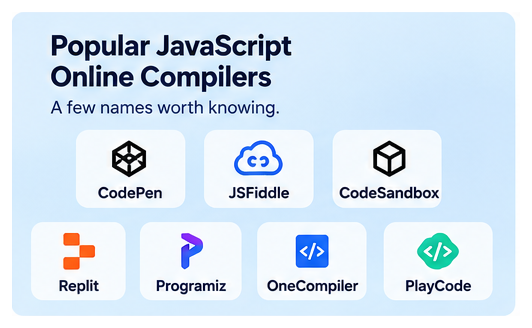
CodePen and JSFiddle are the long-standing options for front-end snippets, closer to a sketchpad than a project environment. CodeSandbox and Replit go further, supporting multi-file projects and full framework setups. Programiz and OneCompiler lean toward learners, with a simpler interface and support for several languages beyond JavaScript. PlayCode focuses specifically on JS and TypeScript, with npm imports and live preview built in. None of these are interchangeable, and the right one usually depends on whether you’re testing a ten-line function or scaffolding something closer to a real app.
Where These Tools Still Fall Short
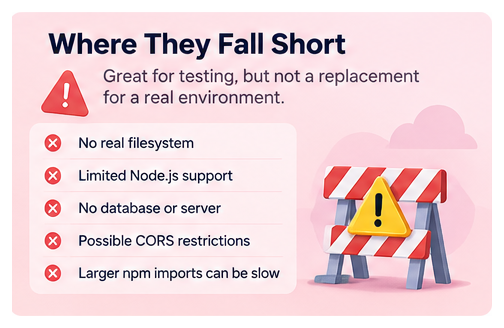
This part gets left out of most comparisons, and it’s worth knowing before relying on one for anything beyond a quick test.
Because the code runs in a sandboxed browser, there’s no real filesystem and no real server behind it. Code that expects Node’s fs module, a database connection, or an open port either fails outright or gets handled by a polyfill that behaves close to, but not exactly like, the real thing. A fetch call to an external API can also run into CORS restrictions that wouldn’t come up in a local Node process.
Larger npm imports can introduce a delay the first time they’re bundled, noticeable if you’re debugging something time-sensitive in an interview or a live walkthrough. None of this makes these tools less useful for what they’re built for. It just means they’re a testing environment, not a stand-in for a production one.
Who Actually Uses These
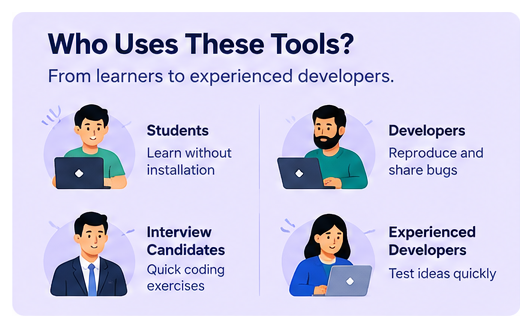
Students and bootcamp learners use them to follow along with a tutorial without installing anything first. Developers use them to reproduce a bug in isolation before filing a report, since a shareable link says more than a paragraph of description. Interview candidates use them when a hiring process asks for a quick coding exercise on the spot. And plenty of experienced developers just use one to check whether a line of syntax behaves the way they think it does, faster than opening a local project would allow.
Frequently Asked Questions
Is a JavaScript online compiler the same thing as an IDE?
Not really. An IDE is built to manage a full project across many files with a local build process behind it. A browser-based compiler is built for a single file or a short snippet, without the project-level tooling.
Can these tools run npm packages?
Many can, though the scope varies. Some support the full public registry, while others limit it to a curated set of common packages. It’s worth checking before assuming a specific library will work.
Do you need to create an account to use one?
Most let you write and run code without signing up. An account is usually only needed to save snippets long-term or access paid features like private projects.
Why does the first run feel slower than the second?
If the snippet imports npm packages, the first run typically needs to fetch and bundle them. After that, the bundle is often cached, so later runs are faster.
Can these be used to test Node.js-specific code?
Only partially. Plain JavaScript logic runs fine. Anything relying on Node’s filesystem, native modules, or a real server process usually won’t behave the same way it would locally.